I’ll be honest: I am not “naturally” good at public speaking. Give me a Zoom call with three people or a stage with thirty, and my brain suddenly decides it has forgotten how to form sentences. I lose my place, I start talking like an auctioneer, and I spend more time looking at my notes than at the humans I’m actually talking to.
I tried to find a simple teleprompter to help me breathe, but everything I found felt… heavy. They wanted my email address before I’d even typed a word. They had clunky interfaces from 2004. Or they cost $19 a month just to save a paragraph.
So, this past weekend, armed with a Google AI Pro account, a bit of Antigravity, and Gemini Pro 3. I decided to build the prompter I actually wanted to use.
I call it (https://blabla.pixari.dev).
Built Because I Needed It
I just wanted something that felt like calm confidence in a browser tab.
The philosophy is “Zero Friction”:
-
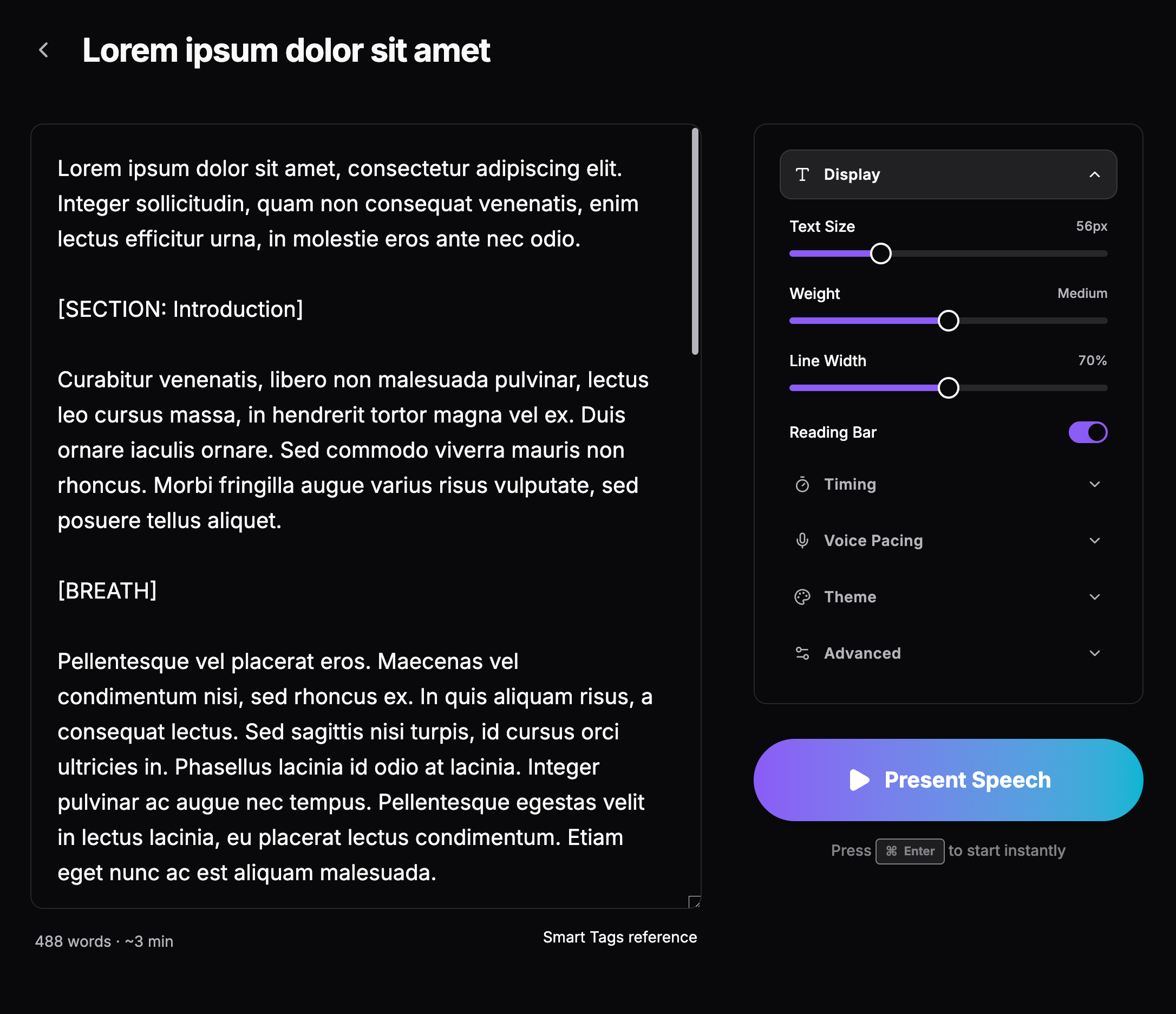
No Signups: I don’t want your email. I’m sure you’re lovely, but we don’t need to be on a mailing list together.
-
No Backend: Your speech is yours. It stays in your browser’s local storage. I literally cannot see it. If you’re writing a manifesto or a toast for your cat’s birthday, that’s between you and your laptop.
-
It Just Works: You can land on the site and be ready to present in about five seconds.
A Few Features I’m Genuinely Proud Of
Since I was building this for myself (and hopefully you), I focused on the things that actually matter when you’re nervous:
-
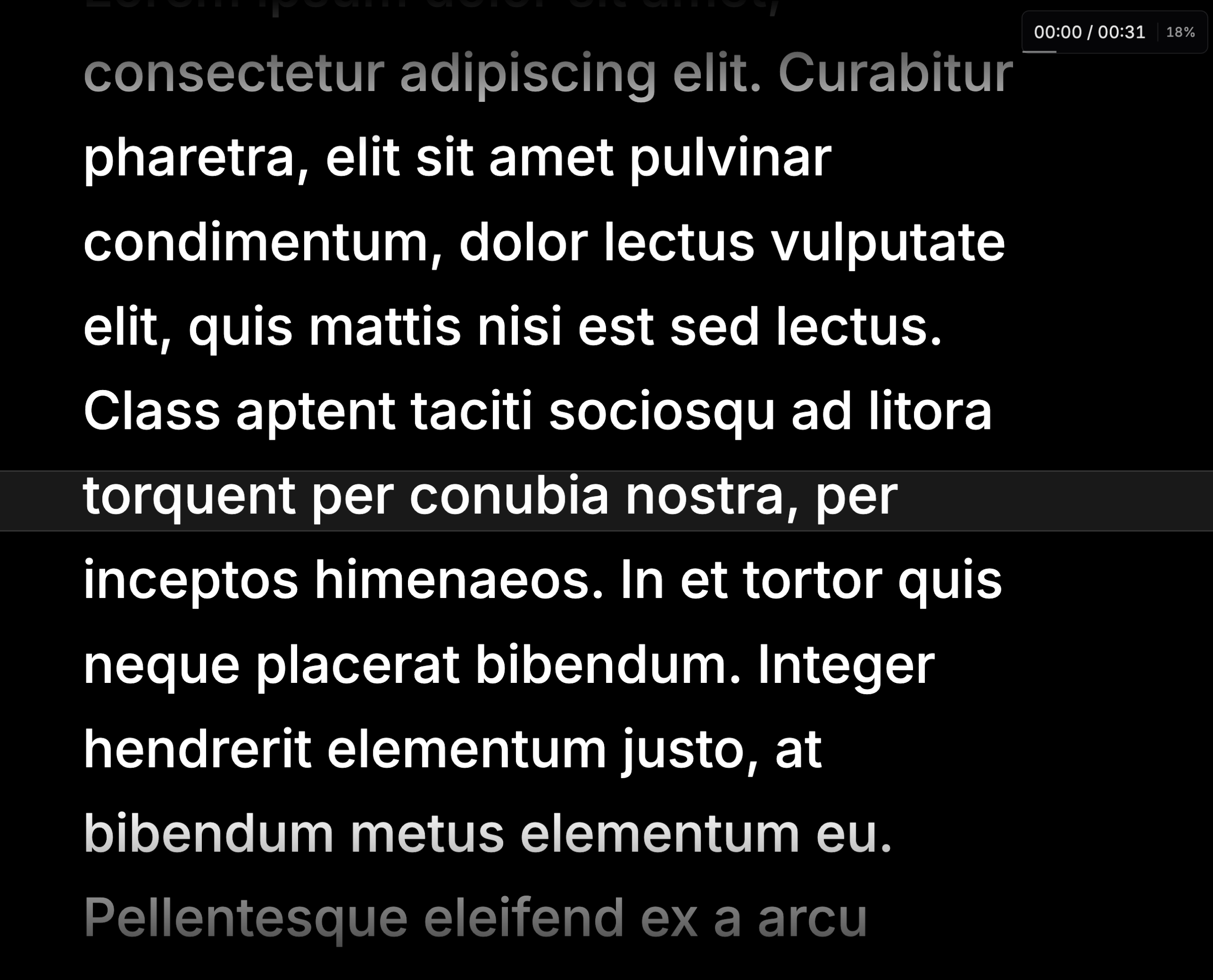
The “Eye Contact” Mode: Most prompters are fullscreen. But on Zoom, that means you’re looking away from the camera. I built a Compact Mode that sits right under your webcam so you can pretend you’re looking people in the eye while you’re actually reading your brilliant script.
-
Voice Pacing: Using the Web Audio API, the prompter actually “listens” to the energy of your voice. If you stop to take a breath or a sip of water, it slows down. It follows you, so you don’t have to chase it.
-
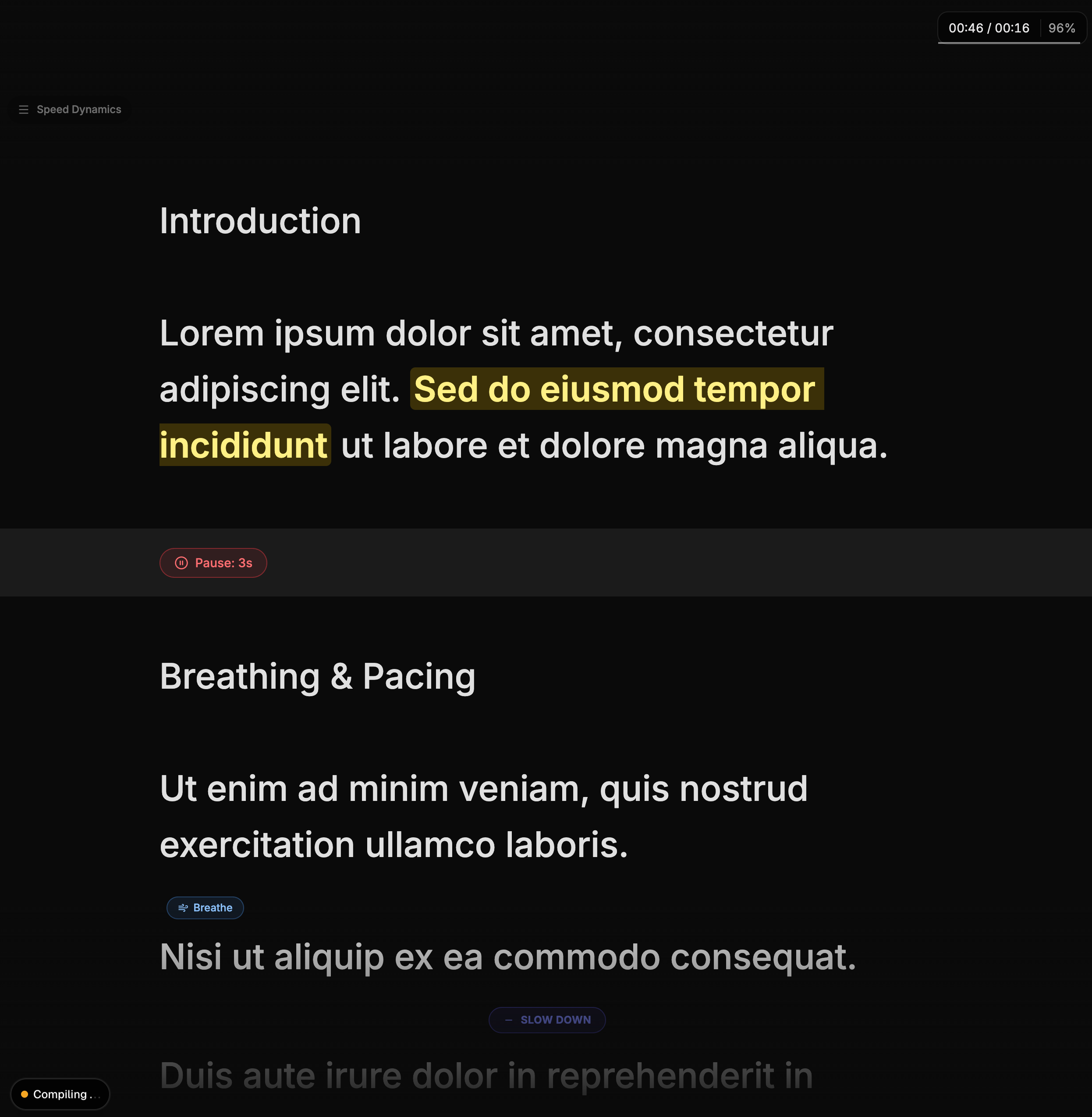
Smart Tags: You can type things like
ordirectly in your text. The app turns them into little visual cues. It’s like having a supportive friend whispering, “Hey, slow down,” from the sidelines.
The Weekend “Lab” Report
Technically, this was a fun sprint. I used Next.js 16, Tailwind CSS v4, and Framer Motion to make sure the scroll was “buttery smooth” (because jittery text is the last thing a nervous speaker needs). It’s also a PWA, meaning it works offline. If the conference Wi-Fi dies, BlaBla doesn’t.
Give it a Whirl
Look, I know the world doesn’t need another app. But maybe it needs a simpler way to feel a little more prepared. Whether you’re giving a wedding toast, pitching a startup, or just trying to get through a Monday morning standup without losing your train of thought, I hope BlaBla helps.
It’s free, it’s private, and it’s right here: (https://www.google.com/search?q=https://blabla.pixari.dev).
Let me know if it helps you breathe a little easier during your next talk.